Telemetry
The Reflex currently supports communication with other devices through MAVLink messages sent over the UART serial protocol and UDP.
Connection over Serial
In order to configure the telemetry receiver module, the user must select the Serial Port by navigating to the GCS Connection as given below. The user must then specify which UART port it is connected to and the baud rate at which it communicates.
Web Interface: Settings > MAVlink > GCS Connection
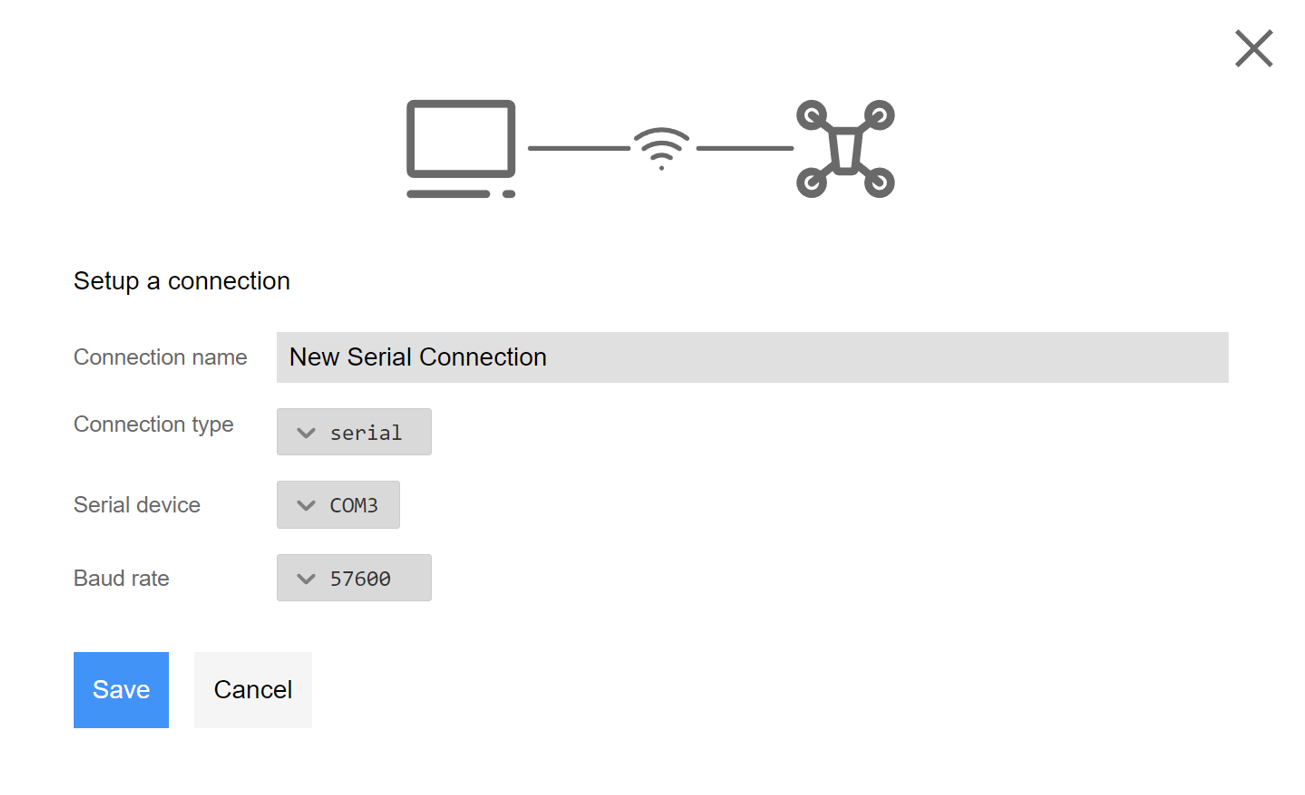
On the GCS computer, the user has to establish the serial connection by filling in the following details.
- Connection Type: Serial
- Serial Device: The COM port the telemetry is connected to on the GCS computer.
- Baud Rate: The baud rate of the telemetry module.
Connection over UDP
It is also possible to establish connection over UDP rather than the Serial Port. The default port for this UDP is 14551 and must be filled out in the settings of the web-interface GCS connection.
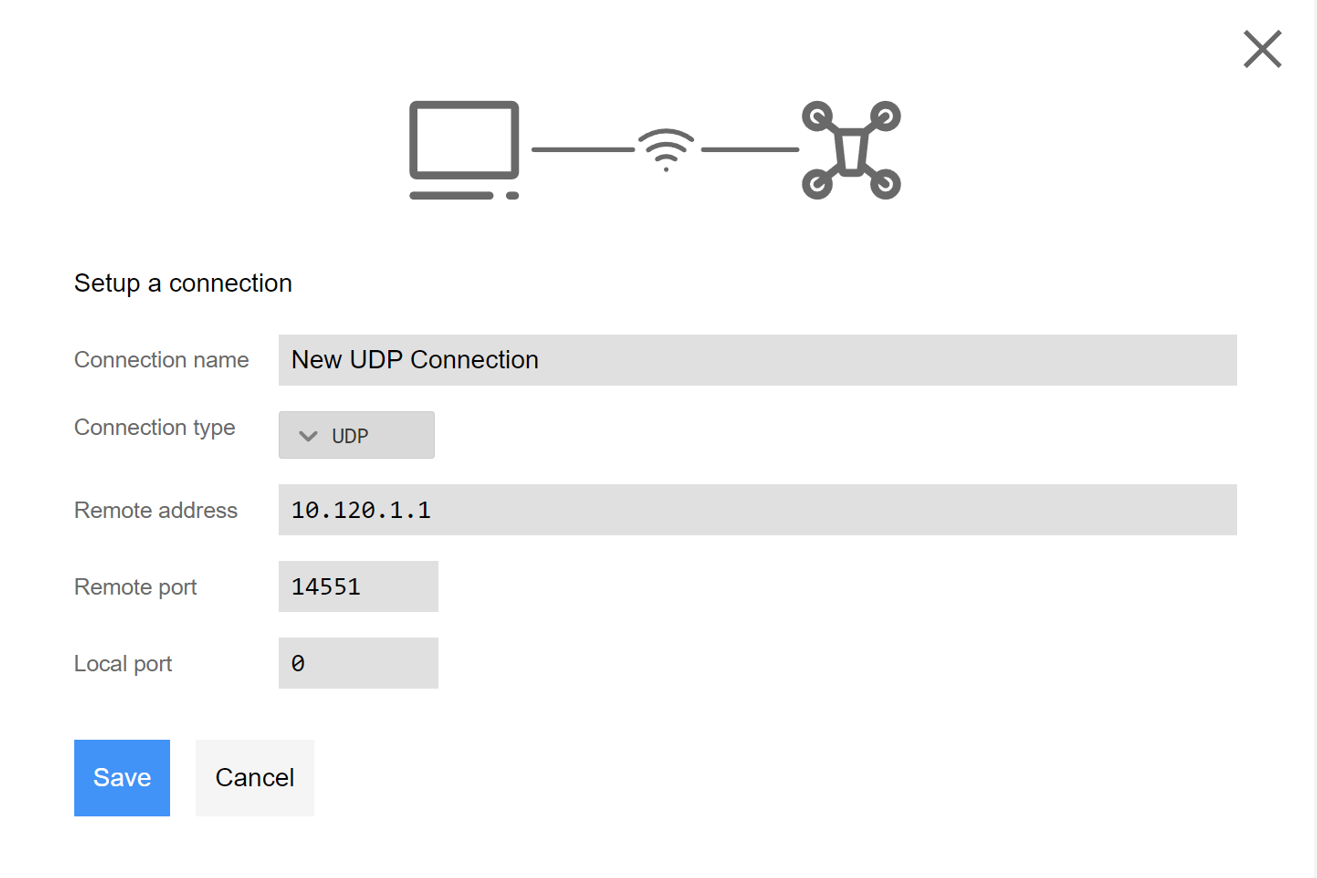
On the GCS computer, the user has to establish the UDP connection by filling in the following details.
- Connection Type: UDP
- Remote address: IP address of the Reflex as displayed in the web-interface, refer Connecting to the Reflex or the reflex host name such as reflex123. If the GCS computer is directly connected to reflex's wifi, this value would be 10.120.1.1.
- Remote Port: By deafult it is 14551.
- Local Port: Should be kept at 0, the value is automatically configured.
Web Interface: Settings > MAVlink > GCS Connection